
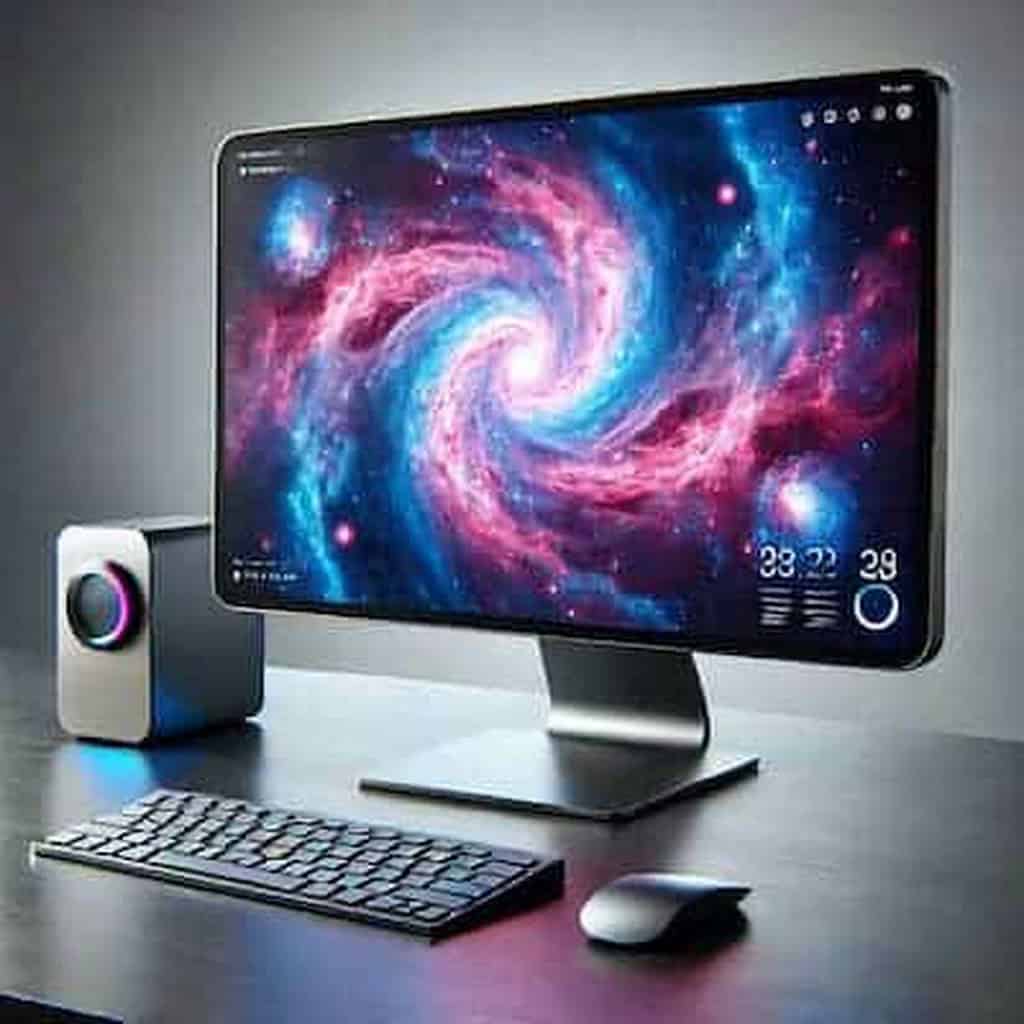
Quasar at a Glance
- Enjoy your photos and videos on a larger screen. Turn a computer into your own digital photo and video display.
- Automatically gather media from cloud storage. Bring together memories from locations such as iCloud and Google Drive.
- Works on Linux, macOS, and Windows. Use a computer you already own or choose one for your display.
- Choose your own screen and storage. Build a display that fits your home, budget, and media collection.
- Share memories with family and friends. Enjoy photos and videos together instead of crowding around a phone.
- Planned one-month free trial. No credit card required. Your email address is needed to issue your license.
- Cancel anytime through your account. No need to contact us.
- Coming soon. Sign up to be notified when Quasar is available.
Overview
- Linux
- Mac
- Windows
View your Photos and Videos on your Desktop!
You spend a lot of time taking photos and videos on your phone. You want to enjoy them, but it is difficult to watch and share them on your tiny phone screen. You want to view them in your home, where you can share them with your family, and on a larger monitor. How can you do that? With Quasar! Quasar automatically downloads photos and videos from online storage locations, such as iCloud, where your iPhone stores them in the cloud. Install Quasar on a computer of your choosing and then the photos automatically get downloaded to it and displayed.
Choose your own Photo Display System
You are in control of the computer and monitor you want, so choose what fits your desire. Use one you already have. Get a small monitor for display. Get a huge monitor for display. Get a low cost Linux computer. Get a fast Windows computer. Get a Mac that has the computer built into the monitor. Get a monitor that is a touch screen so you can control Quasar with just a touch. Get a large hard drive so you can store as many photos as you want. It is up to you! Replace your cheap digital photo frame that only shows a limited number of photos on a tiny low quality screen with the perfect computer, storage, and monitor of your choosing and then just install Quasar to view your photos and videos! You can finally get to see all your media in your home easily and just the way you like it! You will enjoy watching your tens of thousands of lifetime memories every day because of Quasar!
Licensing
See End User License Agreement.
Articles
Foojay.io
NEBULA SOFTWARE’S UNIQUE USER INTERFACE
Coming December 1st!
“In the NebulaSoftwareLookAndFeel, the baggage and overhead of BasicLookAndFeel were dropped and only what was needed and desired was added. The UI therefore ended up being extremely fast and highly responsive.”
JAVAPRO International
NEBULA SOFTWARE’S UNIQUE USER INTERFACE
Coming soon!
Read JAVAPRO International’s Article
“The complete UI appears less than two seconds after you double-click the application icon.”


Boyd Edmondson –
I think you are going to love this product!